Can AI Make a Quiz From a Photo of My Notes? Yes, Here's How
Yes, AI can turn a photo of your notes into a quiz in seconds. See how it works, what to expect, and how to get better questions from Study Shot.
Can AI make a quiz from a photo of my notes? Yes
Can AI make a quiz from a photo of my notes? Yes. You take a picture of a page, an AI model reads it, and it writes multiple-choice questions about what is on the page. Study Shot does this in your web browser, on a phone or a computer. You get questions, instant checking and an explanation for each answer.
This post explains what happens between the photo and the quiz, which notes work well, and where you should stay skeptical. If you want the quick phone version first, read how to make a practice quiz from a photo on your phone.
How AI turns a photo of notes into quiz questions
There are three stages. You do the first one. The AI does the other two.
- You supply the photo. Study Shot accepts JPEG, PNG, WebP or GIF files up to 5 MB. The photo is shrunk to 2,000 pixels on the long edge before it is uploaded.
- The AI reads the page. While it works, the app shows "Reading your page…". The photo is sent to the AI model to write the questions. It is not stored on Study Shot's server. It stays on your own device so the quiz can show it to you again.
- The AI writes questions. You will see "Writing 10 questions in English. This can take up to a minute." Each question has four options, A to D, and one right answer.
You do not pick the AI model. The site's admin sets it. What you control is the page, the number of questions, the level and the language.
What types of notes and handwriting work best
Study Shot says textbooks, notes, diagrams and whiteboards all work. You can also use a handout or a worksheet. In practice, the best pages have a clear topic and enough content to ask about.
- Good: one page of notes on a single topic, such as a lecture on photosynthesis, with headings and short explanations.
- Good: a whiteboard shot taken straight on, with the whole board in the frame.
- Weaker: a page of scattered doodles, a few words, or very faint writing. There is little on it to ask about.
If a photo cannot be used, the app refuses it and says: "We couldn't write questions for this photo. Try a different page." That is your cue to retake the picture or pick another page. The guide on taking a good photo of a page covers lighting and framing.
Study Shot does not say how well it reads any particular handwriting, so do not assume. If your writing is hard for a person to read, a photo of it may give weaker questions. The quickest test is to try one page and see what the questions look like.
Step-by-step: make a quiz from your notes photo with Study Shot
- Create an account. Every screen needs one. Choose Create account and enter your name, email and password. New accounts start on the Free plan.
- Start a new quiz. Choose Make a new quiz, then Take photo or Choose photo. The app's tip is to hold the page flat and fill the frame.
- Pick the number of questions. Your options are 5, 10, 15 or 20. The default is 10.
- Pick a level. Tiered is the default. It is a ladder from basic up to advanced. Basic covers key terms, facts and definitions. Intermediate asks you to explain, compare and connect ideas. Advanced asks you to apply and predict in new situations.
- Pick the language. You can choose from 50 languages for the questions, answers and explanations. The app's own screens stay in English.
- Press Create questions. Wait up to a minute.
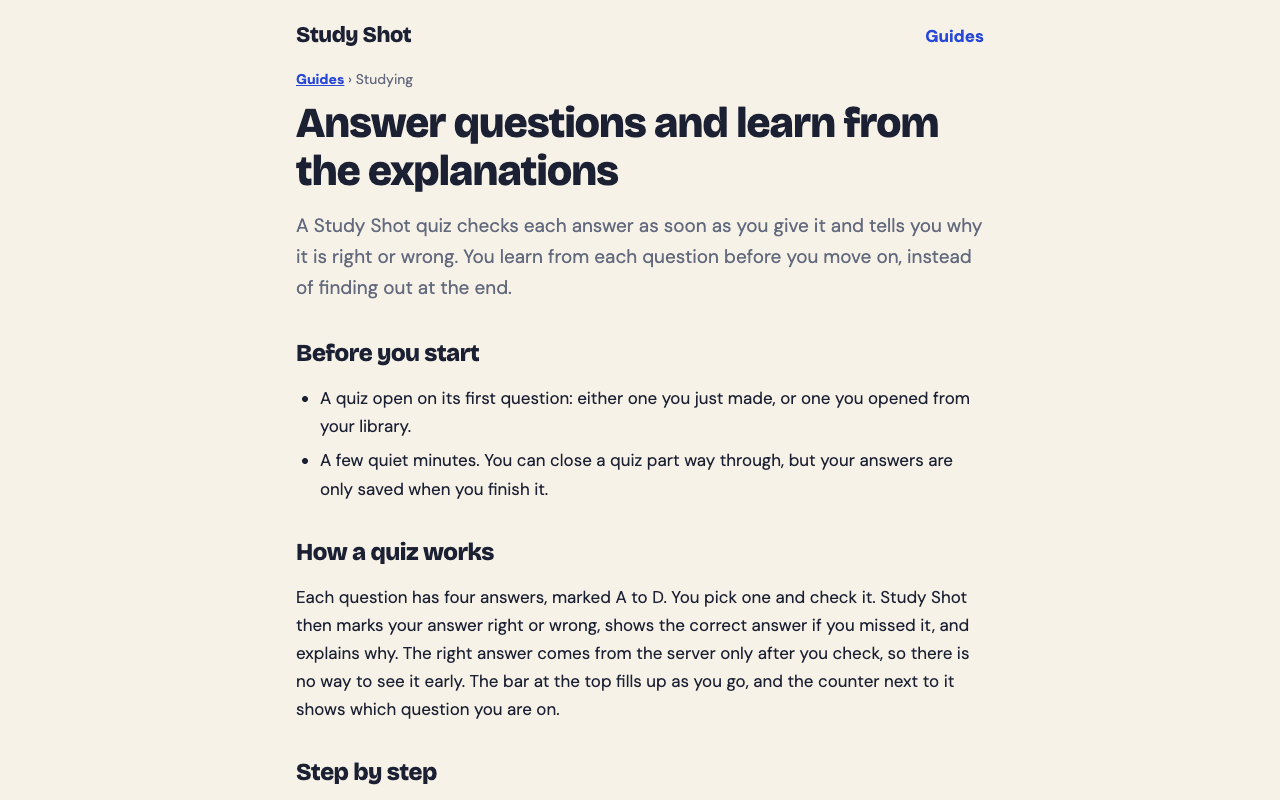
- Answer one question at a time. Pick an option and press Check answer. You will see Correct! or Not quite., the right answer, and an explanation of one to three sentences. Press Continue. The last question says Finish quiz.
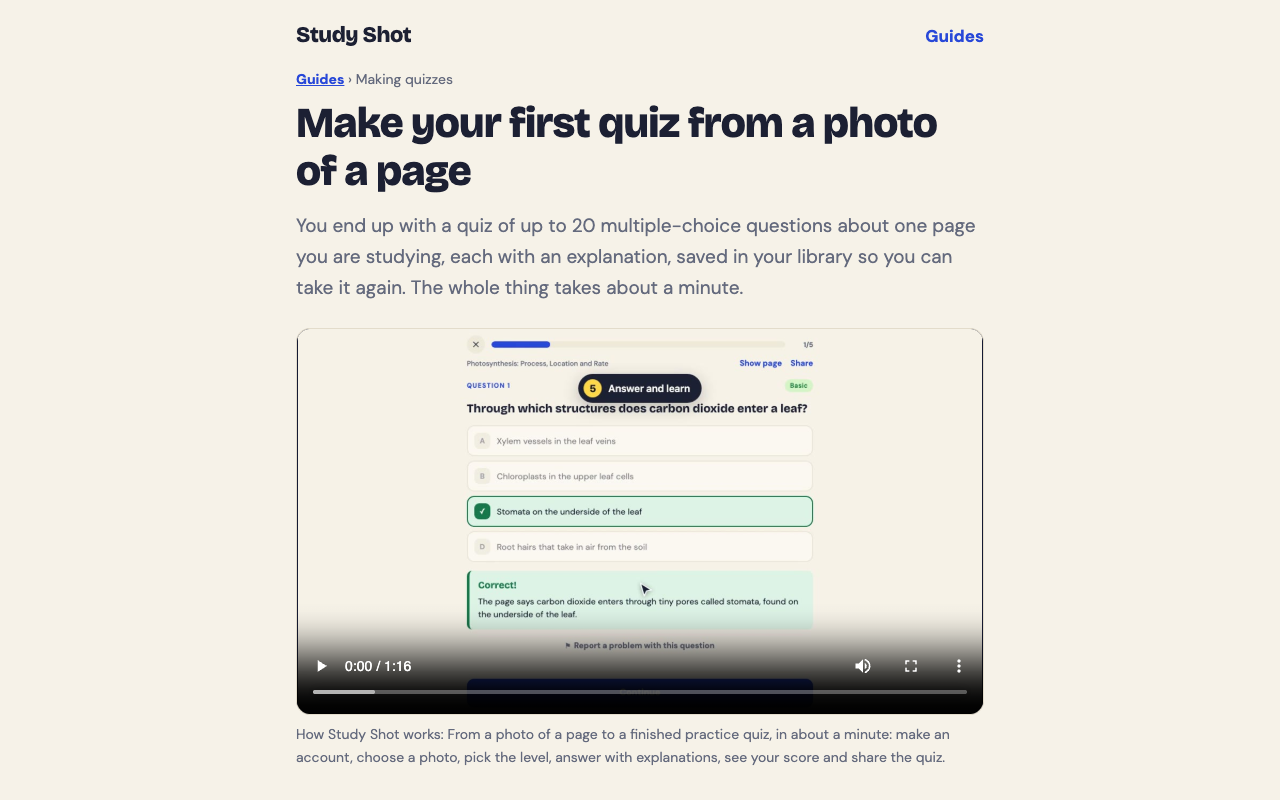
During the quiz, Show page brings up your photo so you can look back at the source. The make your first quiz guide walks through the same steps with a short video.
A worked example
Say you photograph one page of biology notes on photosynthesis and choose 10 questions at the Tiered level. The questions are split as evenly as possible across basic, intermediate and advanced, in that order. A basic question might be: "Where in a plant cell does photosynthesis take place?" with the choices mitochondria, chloroplasts, nucleus and cell wall. The right answer is chloroplasts. Later questions ask you to connect ideas rather than recall a term.
When you finish, you see a percentage and a grade, plus a score for each level. Grades are Mastered (90% and up), Good (70% and up), Getting there (50% and up) and Needs another try (below 50%). A Look at these again section lists the questions you missed, with Your answer and Right answer side by side.
How to get better quiz questions from your photos
The quality of the quiz follows the quality of the page. These habits help.
- One topic per photo. A page about one idea gives sharper questions than a page that jumps around.
- Fill the frame. Crop out the desk, your hand and the edge of the next page.
- Match the number to the page. A short page does not need 20 questions. Start with 5 or 10.
- Choose the level for your goal. Use Basic to learn terms. Use Advanced the night before an exam. Use Tiered when you want both. See the guide on choosing level and number of questions.
- Read the explanations on misses. They are short for a reason. Read them, then press Show page to find the line in your own notes.
Credits matter here too. Writing a quiz uses credits from a monthly allowance, and a 20-question quiz uses about four times what a 5-question quiz does. Study Shot checks you have enough credits before it writes, so a quiz never stops halfway. Taking a quiz, retaking it and taking a shared quiz use no credits. Your library shows how many of your monthly credits you have used.
Where AI quizzes fall short and how to check them
Be honest about the limits. Questions are written by an AI model and can contain mistakes. The explanation helps you check an answer, but it does not replace your notes or your textbook.
- Check against the page. If an answer surprises you, press Show page and compare.
- Report a problem. Under a question, choose Report a problem with this question and pick one of four reasons. The report a question guide explains how.
- Know the format. Quizzes are multiple choice only. There is no PDF upload, so you need a photo.
- Know what it tests. If your notes contain an error, the questions can repeat it. The AI works from what you wrote.
There is also a short-term limit on how many quizzes you can make in a few minutes, so do not plan to generate a dozen in a row.
Photo quizzes vs. typing notes into a chatbot
You can paste typed notes into a general chatbot and ask for questions. That works, but it asks more of you. You type or transcribe the notes first, write a good prompt, and then check the answers yourself.
A photo quiz removes those steps. You snap the page and press one button. The quiz is then a real practice session: one question at a time, each answer checked at once, a score, a grade, and a saved copy in your library with its page photo and your best score. You can retake it any time at no credit cost. You can also share it by link. The person who opens it needs a Study Shot account and gets their own copy of the questions, without your photo. You can stop sharing whenever you like. See results, library and retakes for how saved quizzes work.
Frequently asked questions
Can AI make a quiz from a photo of handwritten notes?
Study Shot takes a photo of your own notes, and it refuses a photo it cannot write questions for. It does not say how well it reads any one person's handwriting, so try one page first and look at the questions.
Is it free to make a quiz from my notes?
Every new account starts on the Free plan, so you can try it. Writing a quiz uses credits from a monthly allowance, which start again on the 1st of each month. The credits and Study Shot Plus guide explains the plans.
Can I get the quiz in another language?
Yes. You can choose from 50 languages for the questions, answers and explanations. The app's own screens stay in English.
Are the AI's questions always correct?
No. They can contain mistakes. Use the explanation and Show page to check, and use Report a problem if a question looks wrong.
Is my photo stored?
The photo is sent to the AI model to write the questions and is not stored on Study Shot's server. It is kept on your own device so the quiz can show it again.
Get started
Try Study Shot: it is free to start. Photograph the page you are studying tonight and get practice questions on it, from basic to advanced, with every answer explained.