How Practice Questions Show What You Do Not Know Yet
Finishing a page feels like knowing it. Here is how practice questions show what you do not know yet, what three papers say about it, and a short routine to try.
You finish a chapter, read it twice, and feel ready. Then the first test question looks unfamiliar. This post is about how practice questions show what you do not know yet: why reading hides your gaps, what three research papers say about it, and a short routine that uses a quiz to find the gaps while there is still time to fix them.
The routine works with any set of questions. You can also try it on your own pages with Study Shot, which turns a photo of a page into a multiple-choice quiz.
Why finishing a page feels like knowing it
When you reread a page, the words are all in front of you. They look familiar, and that feeling is easy to read as "I know this". It is a feeling about the page, though, not a check on what you can bring to mind when the page is gone.
Researchers have studied this gap between feeling and knowing for a long time. A 2013 review by Bjork, Dunlosky and Kornell, in the Annual Review of Psychology, says that research on learning and memory has found people often have a faulty mental model of how they learn and remember. That makes them prone to misjudging and mismanaging their own learning. The review also looks at how people's judgments of their own learning are shaped by how they are performing right now and by the sense of fluency, how easy something feels.
This post rests on the review's abstract, not its full text, so it says only what the abstract says: people can misjudge their own learning, and the sense of fluency is one thing that shapes those judgments.
How practice questions show what you do not know yet
Two studies by Koriat and Bjork, from 2005 and 2006, looked at one reason the feeling misleads. While you study, you see the question and the answer together. In a test, you see only the question. In their paired-associates task (a cue word and its partner word), the learners judged how well they would remember each pair while the partner was in view. The authors say that failing to discount what is present at study but absent at test can create a sense of competence that proves unwarranted when the test comes.
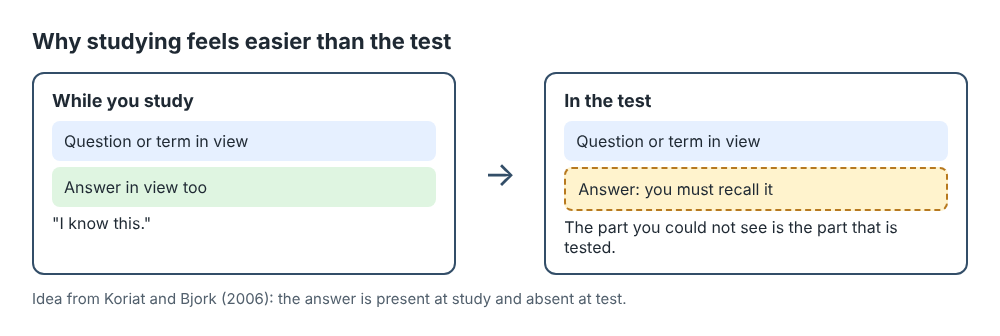
The 2006 paper in Memory and Cognition also tested what reduces the problem. The overconfidence (they call it foresight bias) was smaller after study-test experience, and especially after experience of being tested, and when the judgments were made after a delay instead of right after studying. The authors also found it affected how study time was spent, and they suggest the overconfidence and the misspent time both come from the answer being present at study and absent at test.
That is what a practice question does. It takes the answer away and asks you to produce it, the way a test will. If you cannot, you find that out while it still costs nothing.
What the research does not show
These are three abstracts, and they have limits. The Koriat and Bjork studies used lab tasks with word pairs. The abstracts do not mention multiple-choice quizzes, photographed pages or Study Shot, so they are not a test of the app. They also report group results, so they do not tell you how any one student will do.
What they support is narrower: studying with the answer in view can make you feel more ready than you are, and being tested is one of the things that helped in their experiments. The routine below is a suggestion built on that idea, not a method anyone has proved.
A worked example: one page, ten questions
Say you have a page of biology notes on photosynthesis and you feel good about it. You photograph the page, hold it flat and fill the frame, and choose 10 questions at the Tiered level. A Tiered quiz splits the questions as evenly as possible across Basic, Intermediate and Advanced. Press Create questions and wait, since it can take up to a minute.
Before you start, write down the score you expect. Then take the quiz. Each question has four answers, A to D. Try to say the answer to yourself before you look at the options, then pick one and press Check answer. You see Correct! or Not quite., the right answer, and a short explanation.
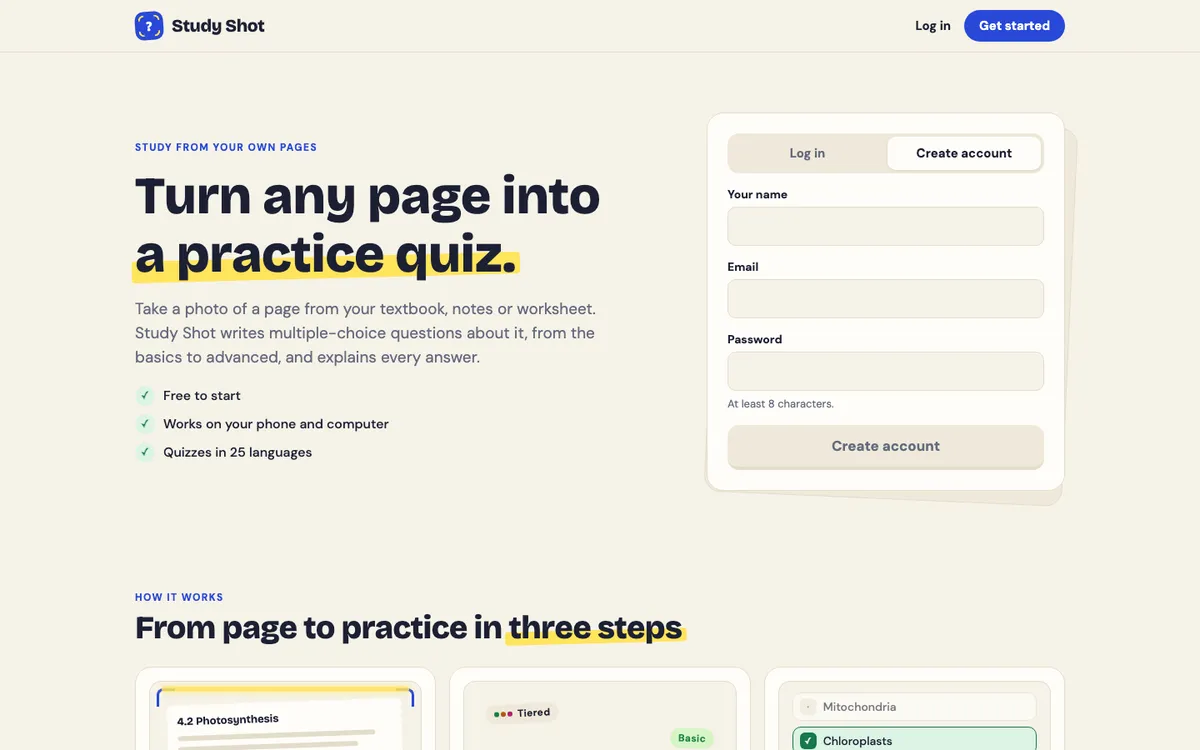
The sample question on the Study Shot home page shows the idea: Where in a plant cell does photosynthesis take place? with the choices mitochondria, chloroplasts, nucleus or cell wall. If you picked mitochondria, you did not just lose a point. You found a mix-up between two organelles, and you found it before the test.
Now suppose you expected 9 out of 10 and finish with 7. That is 70 percent, which the app grades Good. The numbers in this example are made up. The gap between 9 and 7 is the useful part: it measures how far the feeling of ready was ahead of the result.
Read the results for gaps, not just a score
The results screen says Quiz complete, gives your score as a percentage with a grade, and shows a score for each level. The results guide gives one reading to try: if the advanced score is low and the basic score is high, you know the facts but not yet how to use them.
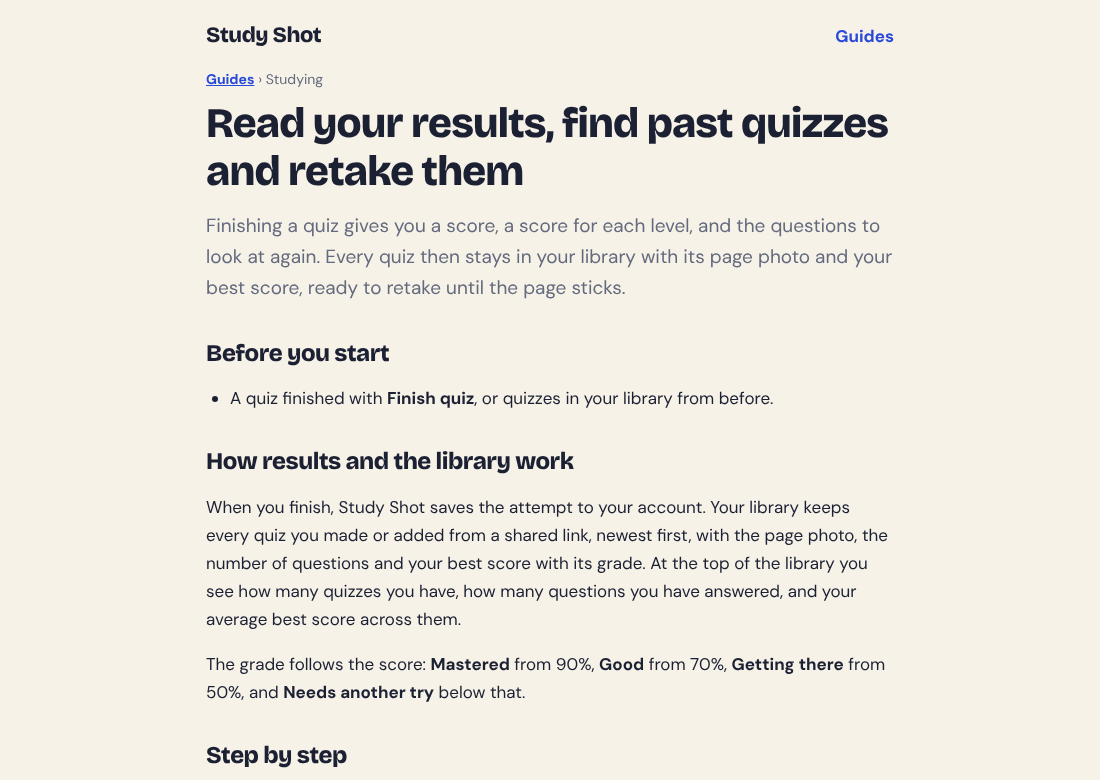
Below the scores is Look at these again. It lists each question you missed with Your answer, the Right answer and the explanation. Read the explanation even for the ones you got right, since the answering guide says it often adds the reason or a link to another idea.
For each miss, ask what kind of gap it is:
- A fact you did not have. Go back to the page and find it.
- Two ideas you mixed up. Put them side by side in one line of notes.
- An idea you could not use. That is the Advanced pattern, so spend your time there.
- A question that looks wrong. The questions are written by an AI model and can contain mistakes, so use the explanation to check, and press Report a problem with this question if it is off.
A 20-minute routine to find your gaps
This is a suggestion, not a tested method. Use it on the page you feel surest about, since that is where the feeling is most likely to be ahead of the facts.
- Write down the score you expect for the page.
- Photograph the page and make a 10-question Tiered quiz.
- Answer without opening Show page. Say each answer to yourself first.
- Press Finish quiz, since answers are saved as a score only when you do.
- Compare your expected score with the real one, then read Look at these again.
- Study only the gaps, then wait a day or two and press Retake quiz.
The retake uses the same questions and no credits. The results guide says getting it right after a break is a much better sign that you have learned it than getting it right straight away. For more on retakes, see how many times to retake a practice quiz. For the research side of testing yourself instead of rereading, see does answering questions beat rereading your notes.
Frequently asked questions
Why do I feel ready when I am not?
A 2013 review of research says people often have a faulty mental model of how they learn, and that judgments of learning are shaped by how fluent something feels. A page you just read feels easy, and that ease is not proof you can recall it.
Does a wrong answer mean I studied badly?
No. A miss in practice is a finding, not a grade. It points at a gap you can fix before the real test.
What if I get every question right?
Try a harder level or a different page. Study Shot's Advanced level asks you to apply and predict in new situations. Also check whether you said each answer before you looked at the options.
Can the questions be wrong?
Yes. They are written by an AI model and can contain mistakes. The explanation helps you check an answer against your page, and Report a problem with this question lets you flag one.
Get started
Pick the page you feel surest about and quiz yourself on it. Write your expected score first, then compare.
Try Study Shot: it is free to start. Photograph the page you are studying tonight and get practice questions on it, from basic to advanced, with every answer explained.