Practice Quizzes in Tagalog, Hindi or Dutch From Any Page
Photograph a page and get a multiple-choice quiz in Filipino, Hindi or Dutch, with every answer explained. Here is how to set it up and check it.
Yes, you can get practice quizzes in Tagalog, Hindi or Dutch from any page you can photograph. You snap the page, pick the quiz language, and Study Shot writes multiple-choice questions in that language, checks your answers and explains each one. This post shows how to set it up, what to check in each of the three languages, and how to study with the result.
Can you get practice quizzes in Tagalog, Hindi or Dutch from any page?
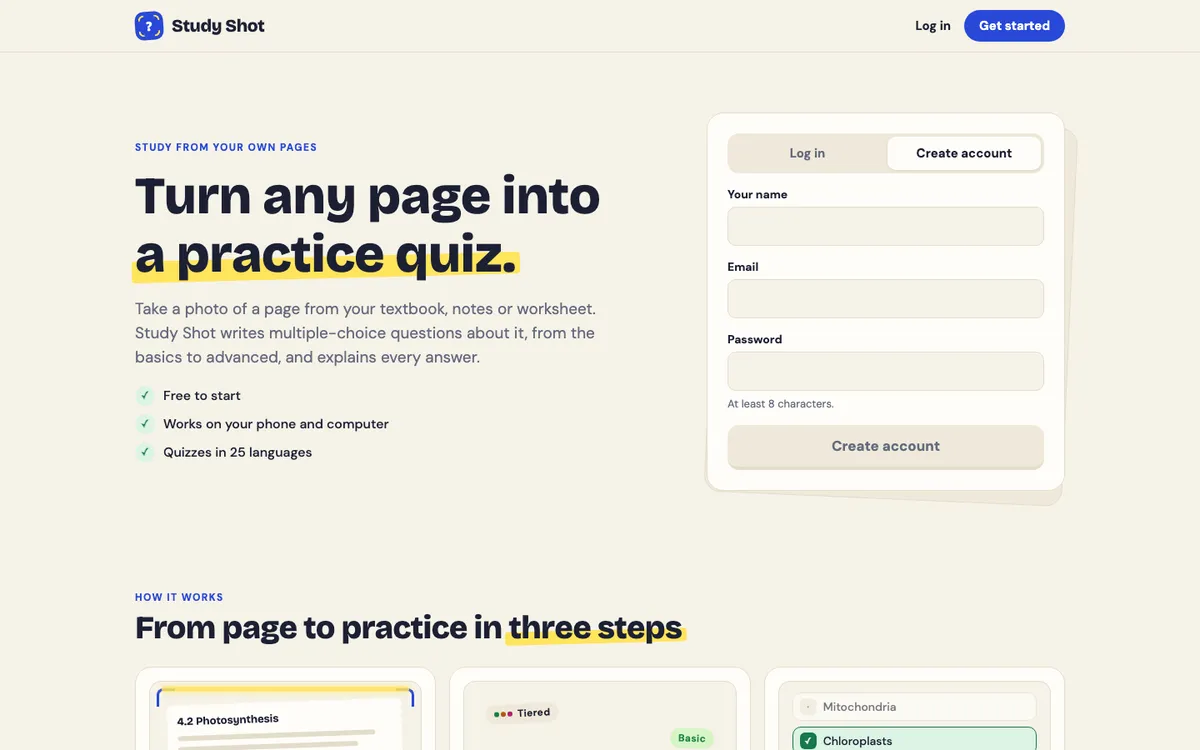
Study Shot writes the questions, answers and explanations in 50 languages. The landing page names English, Spanish, Filipino, Hindi and Dutch among them, plus 45 more. The page you photograph can be in whatever language it is written in. The quiz comes out in the language you pick.
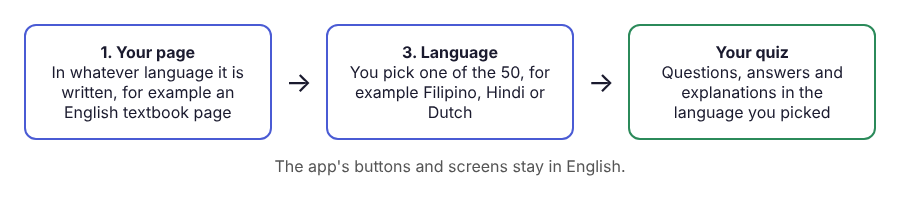
One limit to know first: only the quiz changes language. The app's buttons and screens stay in English, so you will still see "Create questions" and "Check answer" in English.
If you want the same idea in Spanish, the post on getting a practice quiz in Spanish from an English page covers it.
When a quiz in another language helps
The language guide gives two reasons: you study in one language and are tested in another, or you learn a subject best in your own language. Here is how that looks in practice:
- Your textbook is in English, your thinking is in Filipino or Hindi. Take the quiz in the language you reason in, then take it again in English before the test.
- Your course is taught in Dutch. Pick Dutch so the questions match the language of your classes.
- You are learning a language. The guide's tip: photograph a page in the language you are learning and get the quiz in your own. You practise reading the page, and the explanations make sense straight away.
- A study group with mixed languages. A shared quiz keeps its language, so classmates get the same questions in the same language.
How to make a quiz in Filipino, Hindi or Dutch
You need an account first, since every screen in Study Shot requires one. New accounts start on the Free plan. Then follow these steps.
- Open Make a new quiz and choose Take photo or Choose photo. Hold the page flat and fill the frame. The guide to taking a good photo of a page has tips.
- Choose how many questions. The options are 5, 10, 15 or 20, and 10 is the default.
- Choose a level. Tiered is the default: basic first, climbing to advanced. The other three are Basic, Intermediate and Advanced.
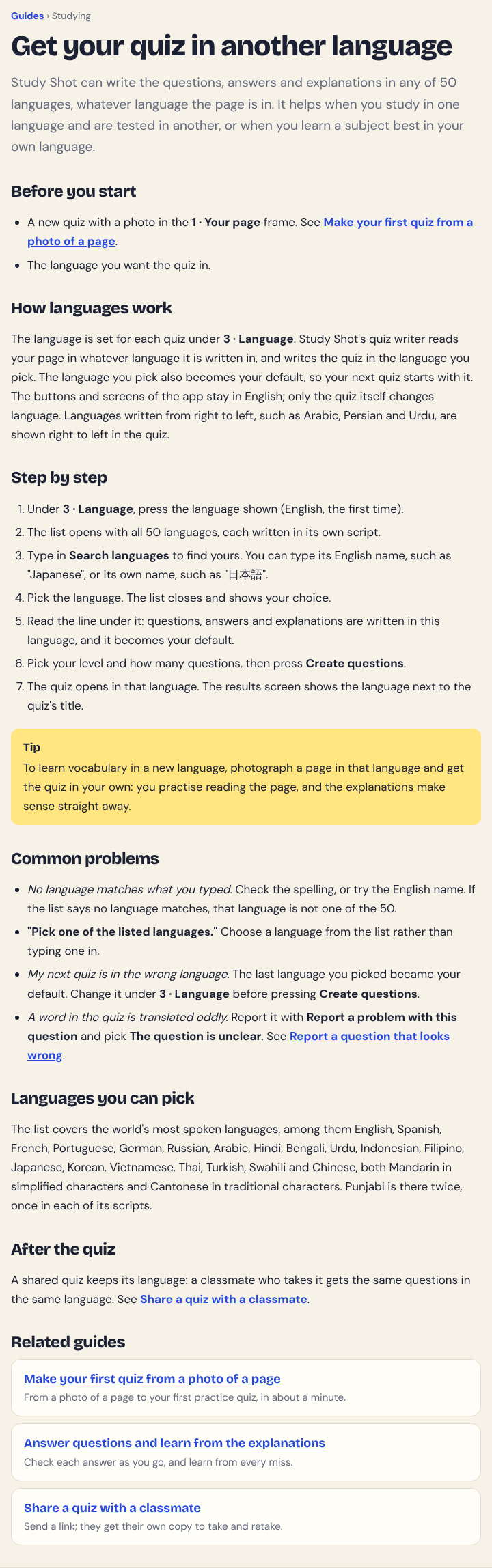
- Choose the quiz language. Under Language, press the language shown, then type in Search languages. You can type the English name or the language's own name. The line under your choice confirms the questions, answers and explanations will be in it, and that it becomes your default.
- Press Create questions. You will see "Reading your page…" and then a message that your questions are being written in your language. It can take up to a minute.
Photos can be JPEG, PNG, WebP or GIF up to 5 MB. If a page cannot be turned into questions, you get "We couldn't write questions for this photo. Try a different page."
A worked example: one page, three languages
Take a biology page about photosynthesis and photograph it. Choose 10 questions and leave the level on Tiered, which splits the questions as evenly as possible across basic, intermediate and advanced. Pick Hindi and press Create questions.
Take the quiz. After each answer, read the explanation, which is one to three sentences. If a word is unfamiliar, press Show page during the quiz to look at your photo. Finish, and the results screen shows a percentage, a grade and a score for each level.
Now make the same page again, this time in Dutch, or in Filipino. The language is a separate choice, so you can change it and nothing else. Because the language you pick becomes your default, check the Language line each time before you press Create questions.
Filipino, Hindi and Dutch: what to check in each
Filipino (for Tagalog). The landing page and the language guide list Filipino and do not list Tagalog separately, so look for Filipino in Search languages and read the confirmation line before you create the quiz. If your class uses a particular word for a term, compare the quiz wording with your page and notes.
Hindi. The quiz is written in Hindi, so you read it in Hindi. If the terms from your English page come out differently from the ones your teacher uses, check them against your photo with Show page before you pick an answer. The guide says a word translated oddly can be reported with Report a problem with this question, choosing The question is unclear.
Dutch. Dutch is among the 50 languages named on the landing page. The same checks apply: read the language line, compare any term you are not sure of with your page, and note it for later.
In all three, the questions are multiple choice with four options, A to D, and one right answer. That format can help when you are reading in a language that is harder for you, because you choose between options rather than writing from scratch.
How to check the quiz and study with it
Questions are written by an AI model and can contain mistakes. This matters more when you read in a language you are still building confidence in. Use the explanation to check the answer against your page, and use Report a problem with this question if something looks wrong. The guide to reporting a question shows how.
The results screen grades your score: Mastered at 90% and up, Good at 70% and up, Getting there at 50% and up, and Needs another try below 50%. Under Look at these again you see each missed question with Your answer and Right answer. Start your next session there.
Retaking a quiz uses no credits, and neither does taking a quiz someone shared with you. Writing a new quiz does use credits, so retake a good quiz rather than make a new one each time. The post on how to retake a quiz until you master a page sets out a routine.
You can also share a quiz by link. The person who opens it needs a Study Shot account and gets their own copy of the questions, in the same language and without your photo. The guide to sharing a quiz shows the steps.
Frequently asked questions
Which option do I pick for Tagalog?
The landing page and the language guide name Filipino, so look for that in the language list. Hindi and Dutch appear under their own names.
Does the page I photograph have to be in the same language as the quiz?
No. The quiz writer reads your page in whatever language it is written in and writes the quiz in the language you pick.
Do the app's buttons and menus change language too?
No. The questions, answer choices and explanations come in the language you choose, but the app's own screens stay in English.
Can the questions contain mistakes?
Yes, because an AI model writes them. Use the explanation to check against your page, and use Report a problem with this question if something looks wrong.
Get started
Pick one page you are studying this week and make a quiz from it in the language you want to practise. The guide to getting your quiz in another language walks through the language step, and the guide to making your first quiz covers the rest.
Try Study Shot: it is free to start. Photograph the page you are studying tonight and get practice questions on it, from basic to advanced, with every answer explained.