Free Practice Quiz Maker for High School Students
A free practice quiz maker for high school students should work from your own pages. Here is how Study Shot does it from a photo, and what the free plan covers.
A free practice quiz maker for high school students should do one job well: turn the pages you are already studying into questions you can answer tonight. Study Shot does that from a photo. You snap a page from a textbook, your notes or a whiteboard, and it writes multiple-choice questions about it, checks your answers and explains each one. It runs in the browser on a phone or a computer, and it is free to start.
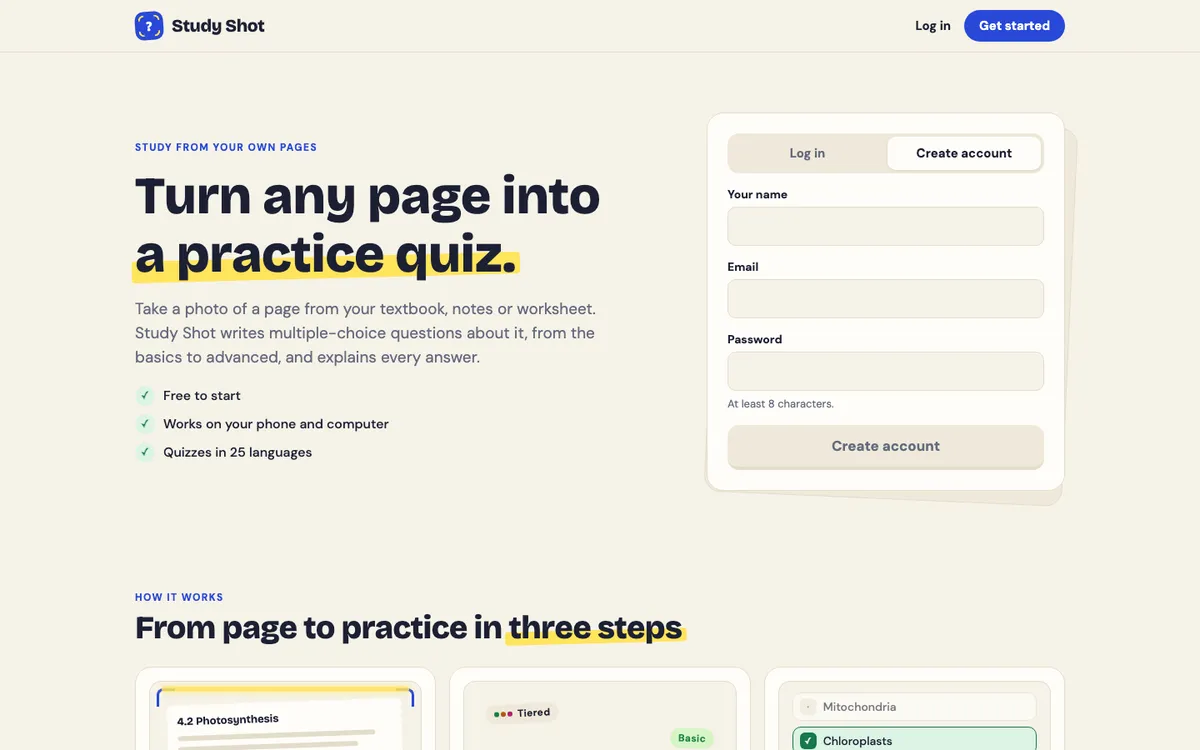
This post covers what to look for, how to make a first quiz, how it fits different classes, and what the free plan means for a busy school week.
What a free practice quiz maker for high school students should do
High school gives you a chapter for Friday, a worksheet for Monday and a unit test after that. A quiz maker is only useful if it keeps up with that. Four things matter:
- It starts from your own page. A quiz built from the page your class is using covers that page.
- It works on your phone. You can make a quiz wherever your notes are.
- It explains answers. A score alone does not tell you why you missed something.
- It lets you retake. You can come back to the same material.
One limit to know up front: Study Shot is multiple choice only, with four options and one right answer, and every screen needs an account. For a longer checklist, see what to look for in an AI quiz maker for students.
How a photo becomes a practice quiz
The first quiz guide says Study Shot sends your photo to its quiz writer, which reads the page and writes questions about that page only. Each question has four answers, one of them right, and a short explanation. The questions are sorted from the basics to the hardest, so a quiz starts with key words and facts and finishes with questions that ask you to apply them.
The quiz is saved to your account. The photo is sent to the AI model to write the questions and is not stored on Study Shot's server. It stays on your own device so the quiz can show it again.
Make your first quiz: a worked example
Say your biology unit test covers photosynthesis, and you have a textbook page on it.
- Photograph the page. In your library, press Make a new quiz, then Take photo or Choose photo. Photos can be JPEG, PNG, WebP or GIF up to 5 MB. The guide to taking a good photo has tips.
- Pick the level. Leave Tiered on for a ladder from basic to advanced, or choose Basic, Intermediate or Advanced for one level only.
- Check the language. Questions, answers and explanations are written in it. The app's own screens stay in English.
- Pick how many questions. Choose 5, 10, 15 or 20. The guide suggests 5 for a first quiz, because it is quick and shows how Study Shot handles your kind of page.
- Press Create questions. You will see "Reading your page…" while the quiz is written. This can take up to a minute.
- Answer one question at a time. Pick an option and press Check answer. You see Correct! or Not quite., the right answer and an explanation of one to three sentences. Press Continue for the next one. Show page brings up your photo.
At the end you get a percentage and a grade: Mastered (90% and up), Good (70% and up), Getting there (50% and up) or Needs another try (below 50%). You also see a score for each level, and a Look at these again list with your answer and the right answer for every miss.
If the photo is blurry or has nothing it can write questions about, Study Shot says: "We couldn't write questions for this photo. Try a different page." Take a clearer shot of a different page and try again.
Use it across your classes: math, science, history, English
The method is the same in every class, but what you photograph changes. These are suggestions, not tested routines.
Math
Photograph a page of rules, definitions or a worked example, and ask for a Basic or Intermediate quiz. Questions are multiple choice, so work your own practice problems on paper as well.
Science
Science pages are full of terms and diagrams. Basic covers key terms, facts and definitions. For a labelled figure, read making a practice quiz from a textbook diagram.
History
Photograph one section at a time, or your own summary notes. Try Intermediate, which asks you to explain, compare and connect ideas.
English
Use a page of your notes on a novel, a poem or a grammar rule. Advanced asks you to apply and predict in new situations. If you are studying in a second language, you can ask for the questions in a different language than the page. Here is an example with Spanish and an English page.
A weekly routine that fits a busy school week
You do not need long sessions. This plan is a suggestion, not a proven method:
- After class: photograph that day's notes and make a 5-question Basic quiz.
- Midweek: take a 10-question Tiered quiz on a page from the week's chapter.
- Before a test: make a 15 or 20 question Advanced quiz on the hardest page, or retake one that went badly.
Open a saved quiz and press Retake quiz to take it again. The results guide suggests waiting a day or two between attempts. For how often to repeat one, read how many times you should retake a practice quiz. You can also press Share this quiz to make a link for a friend. Whoever opens it needs a Study Shot account and gets their own copy of the questions, without your photo.
What the free plan means in practice
Every new account starts on the Free plan, which lets you try Study Shot. Writing a quiz uses credits from a monthly allowance. How many depends on how many questions you ask for and how much is on the page, so a 20-question quiz uses about four times what a 5-question quiz does. Study Shot checks you have enough credits before it writes, so a quiz never stops half way.
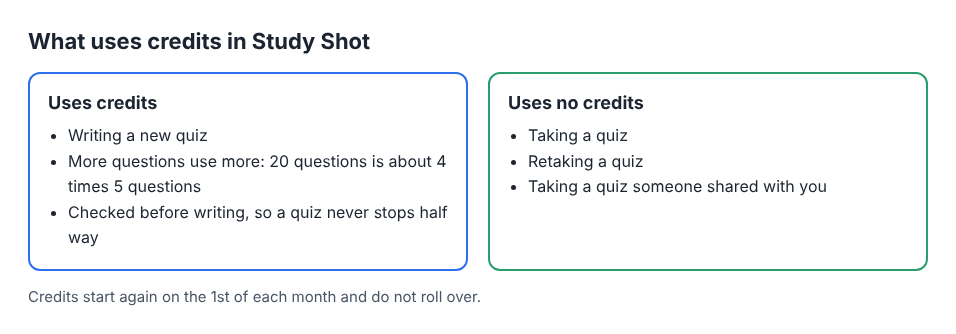
Taking a quiz, retaking it and taking a quiz someone shared with you use no credits. Credits start again on the 1st of each month and do not roll over. The credits guide has a tip for the free plan: 5 or 10 questions on each page stretches your credits much further than a few 20-question quizzes. Your library shows your plan and how many credits you have used this month.
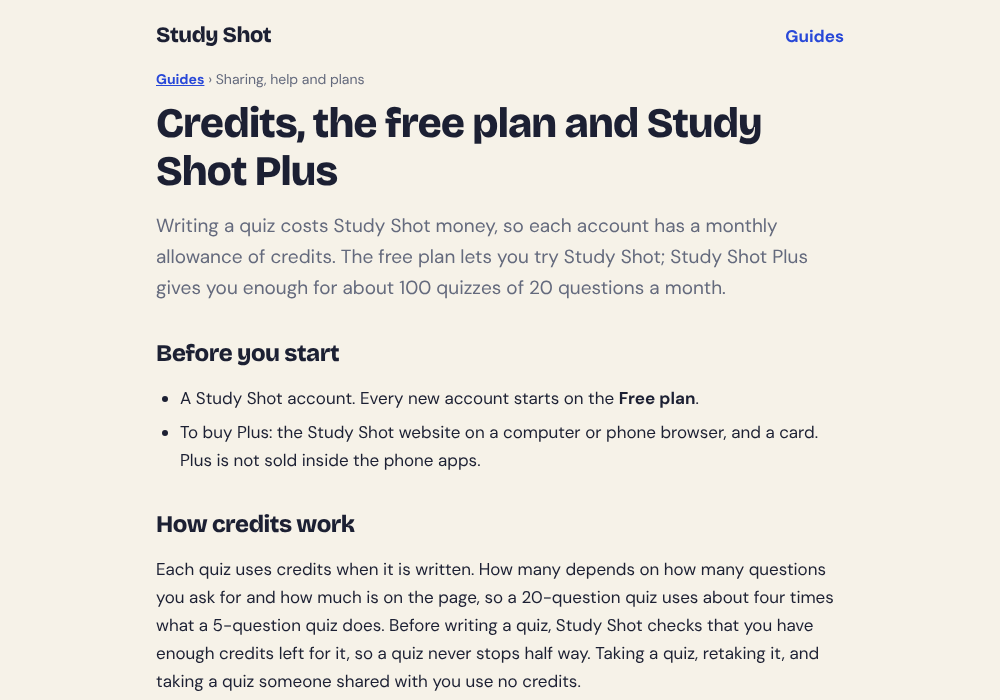
If you need more, Study Shot Plus is sold on the Study Shot website, and the credits and Plus guide has the details.
Check the questions, not just the score
The questions are written by an AI model and can contain mistakes. Read the explanation after each answer to check it against your page. If a question looks wrong, choose Report a problem with this question and pick one of four reasons.
Frequently asked questions
Is there a free practice quiz maker for high school students that works from a photo?
Yes. Study Shot is free to start and builds a multiple-choice quiz from a photo of a textbook page, notes or a whiteboard. Create a free account and your first quiz is a few taps away.
Can I use it on my phone?
Yes. It runs in the web browser on a phone or a computer.
Are the questions always right?
No. An AI model writes them, so some can contain mistakes. Read the explanation to check, and use Report a problem with this question if something looks wrong.
What happens to my photo?
The photo is sent to the AI model to write the questions and is not stored on Study Shot's server. It stays on your own device so the quiz can show it again.
Do retakes cost credits?
No. Taking a quiz, retaking it and taking one a friend shared with you use no credits. Only writing a new quiz does.
Get started
Try Study Shot: it is free to start. Photograph the page you are studying tonight and get practice questions on it, from basic to advanced, with every answer explained.
If you want to pick the right settings first, the guide on choosing a level and number of questions is a quick read.