How to Study a Whole Chapter One Page at a Time
Learn a simple page-by-page method to study a whole chapter without feeling overwhelmed, plus how to quiz yourself on each page so the material actually sticks.
If you want to know how to study a whole chapter one page at a time, the short answer is this: stop treating the chapter as one big job. Treat it as a stack of small ones. You read a page, close the book, say what you remember, then check yourself with a few questions. Then you move on. This post shows you how to do that with a real plan you can start tonight.
Why studying a whole chapter at once backfires
Most people sit down with a 30-page chapter, read it from start to finish, and highlight as they go. The chapter feels familiar by the end, so it is easy to decide you know it. Familiar is not the same as learned.
There are three problems with the all-at-once approach:
- Your attention can slip. The last pages of a long read are easy to skim.
- You never find your gaps. Rereading shows you the words again. It does not tell you what you can actually recall.
- The task feels huge. A big, vague job is easy to put off.
Working one page at a time fixes all three. Each page is short enough to hold in your head. You test yourself before moving on, so gaps show up while they are small. If you want the reasoning behind testing yourself, read the testing effect explained for students.
How to study a whole chapter one page at a time: 5 steps
- Preview the chapter. Skim the headings, bold terms and any summary. Spend five minutes, not thirty.
- Split it into pages. Decide your units. Usually one printed page is right. A dense page can be half a page.
- Read, close, recall. Read one page. Close the book. Say or write what you remember.
- Quiz yourself on that page. Answer a few questions about it before you turn to the next one.
- Connect the pages. At the end, go back over what you missed and tie the ideas together.
The rest of this post covers each step with an example.
How to preview the chapter and split it into pages
Before you study anything, spend a few minutes looking at the shape of the chapter. Read the title, the section headings and any bold terms. Check whether there are review questions or a summary at the end. You are not trying to learn anything yet. You are building a map.
Then write the page numbers down the side of a sheet of paper. If the chapter runs from page 112 to page 121, you have ten units. Next to each number, jot a few words about what the page seems to cover, based on its headings.
A few rules for splitting:
- If a page is mostly a diagram or a worked example, treat it as one unit with the text next to it.
- If a page is very dense, split it in half and treat each half as its own unit.
- If two pages are light, you can join them. Do not join more than two.
This list becomes your checklist. Crossing off a page gives you a clear sign of progress, which helps when a chapter feels long.
What to do on each page: read, close, recall
This is the core of the method, and it is simple.
Read with one question in mind
Before you read the page, turn its heading into a question. If the heading is "Light-dependent reactions," ask yourself, "What happens in the light-dependent reactions, and where?" Read to answer it.
Close the book
When you reach the bottom, close the book or cover the page. Do not look.
Recall out loud or on paper
Say or write everything you can remember. Use plain words, as if you were explaining it to a friend. Then open the book and check. Mark what you missed or got wrong. Those marks matter more than what you got right, because they tell you what to go back to.
This takes about five to ten minutes per page. It feels harder than rereading. That difficulty is the point.
Turn every page into a quick quiz with a photo
Recalling from memory is good, but you are marking your own work, and it is easy to be generous. A short quiz gives you an outside check. This is where Study Shot fits in.
Study Shot turns a photo of a page into a practice quiz. You photograph a page from a book, your notes or a whiteboard, and an AI model writes multiple-choice questions about it. You answer one at a time, each answer is checked right away, and each one comes with a short explanation. It runs in the web browser on your phone or computer, so you can use it at your desk.
Here is how it works for one page of the chapter:
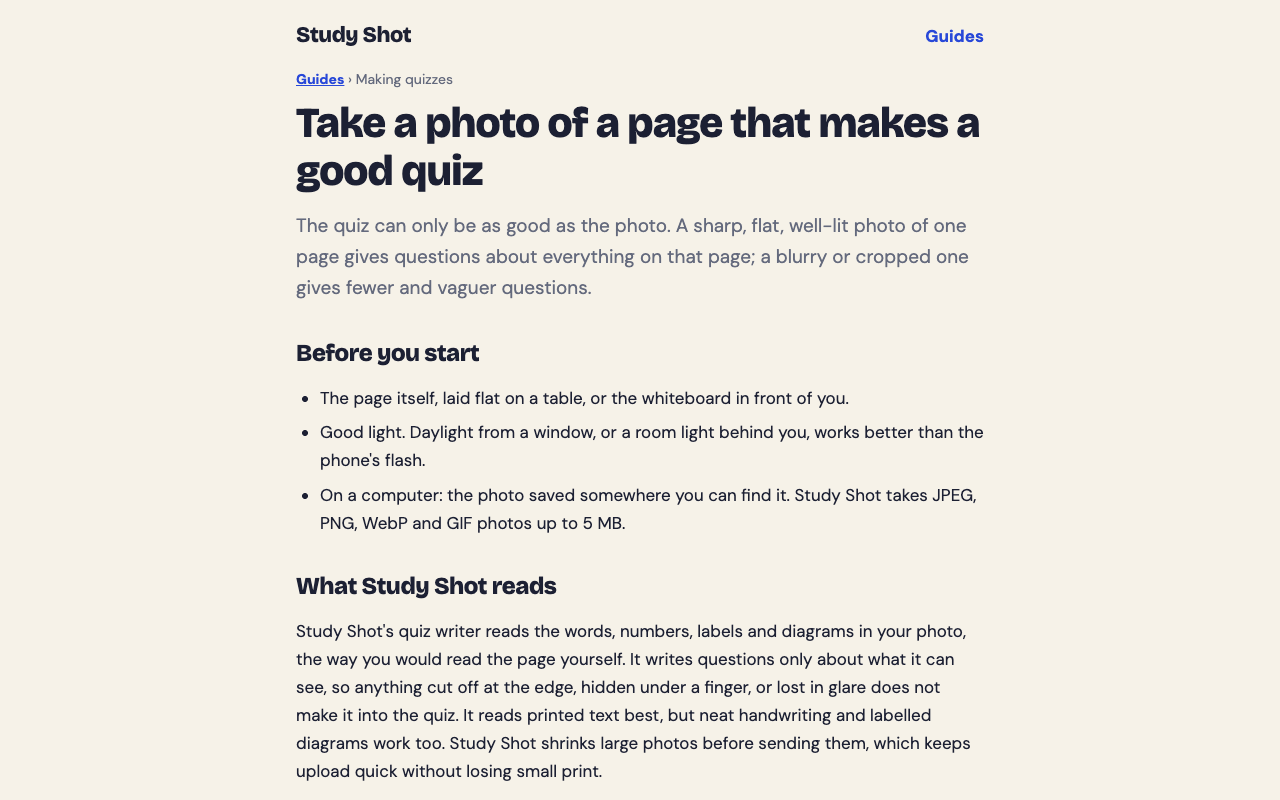
- Log in and choose to make a new quiz, then take a photo or choose one you already have. Hold the page flat and fill the frame. The guide on taking a good photo of a page has more tips.
- Pick the number of questions: 5, 10, 15 or 20. For a single page, 5 is usually plenty.
- Pick a level. Basic covers key terms, facts and definitions. Intermediate asks you to explain, compare and connect ideas. Advanced asks you to apply and predict in new situations. The default, Tiered, climbs from basic to advanced. You can read more in the guide on choosing a level and number of questions.
- Press Create questions. It can take up to a minute.
- Answer each question, press Check answer, and read the explanation before you continue.
For a first pass on a page, Basic with 5 questions is a good fit. It checks that you caught the key terms and facts. Save Intermediate and Advanced for later, when you are connecting pages.
One caution: the questions are written by an AI model, so a question or an answer can occasionally be wrong. Use the explanation to check against your book. If something looks off, use Report a problem with this question, which sits under each question. If you want a full walkthrough of the process, see how to make a practice quiz from a photo on your phone, or read this post on making a quiz from a photo of your notes.
A note on credits
Writing a quiz uses credits from a monthly allowance. A quiz with more questions uses more. A 20-question quiz uses about four times what a 5-question quiz does. If you plan to make a quiz for every page of a chapter, short quizzes stretch your credits further. Taking a quiz and retaking it use no credits. The guide on credits and Study Shot Plus explains the details.
How to review and connect pages at the end of the chapter
Once every page is crossed off, you have ten small wins but not yet a chapter. The last step is to join them.
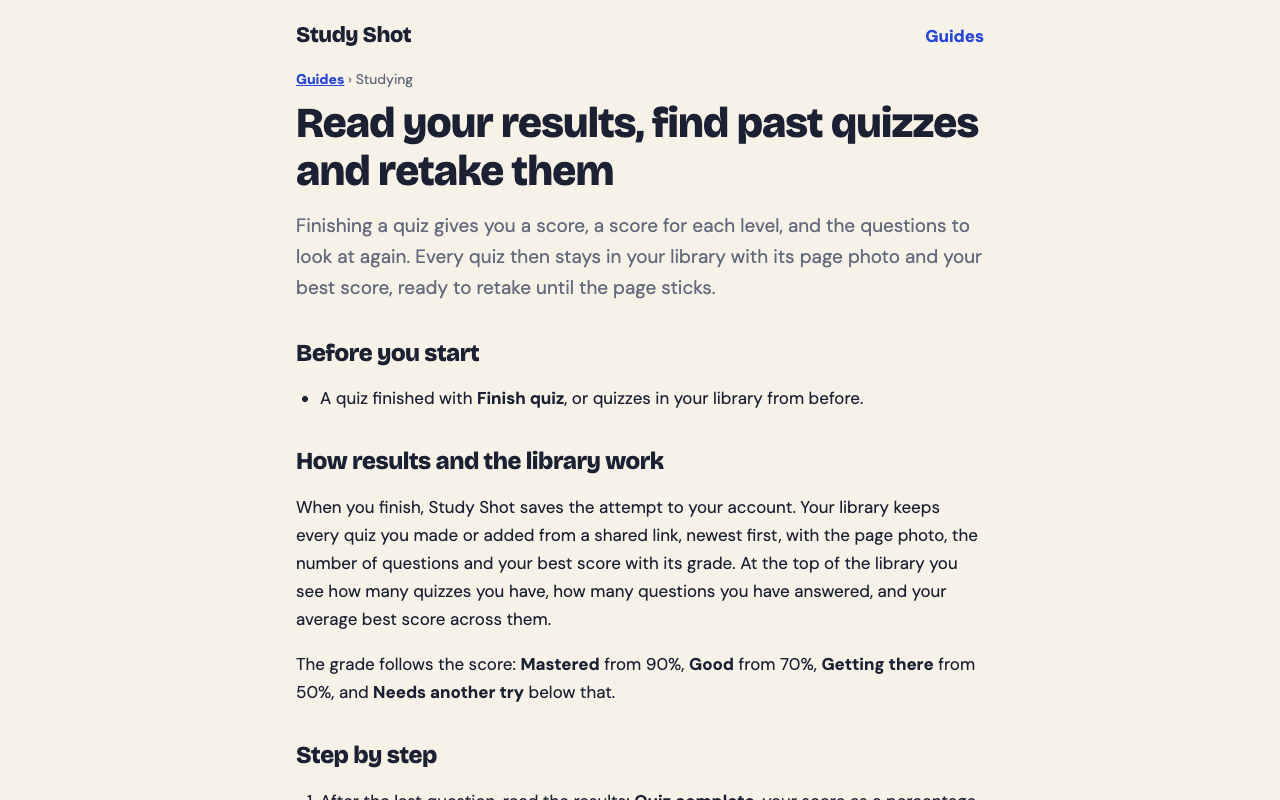
- Open your library. Each quiz is saved with a photo of its page and your best score, so you can see which pages were weakest.
- Look at the missed questions. The results screen has a section called Look at these again. It lists the questions you missed, with your answer and the right answer.
- Retake the weak quizzes. Retakes cost no credits. Aim to move a page up a grade. Grades run from Needs another try (below 50%) through Getting there, Good and Mastered (90% and up).
- Write a one-paragraph summary of the chapter from memory, using your page notes only after you finish.
- Make one wider quiz. Photograph the chapter summary or your own notes page and choose Intermediate or Advanced. These questions ask you to compare and apply, which is how pages start to link up.
For more on reading your scores and retaking quizzes, see the guide on results, library and retakes.
A sample 10-page chapter study plan
Say you have a ten-page biology chapter and about two weeks before the test. Here is one way to spread it out.
- Day 1: Preview the chapter and list the ten pages. Study pages 1 and 2 with read, close, recall, then a 5-question Basic quiz for each.
- Day 2: Pages 3 and 4, same routine.
- Day 3: Pages 5 and 6.
- Day 4: Pages 7 and 8.
- Day 5: Pages 9 and 10.
- Day 6: Rest, or a light skim of your page list.
- Day 7: Retake the quizzes you scored lowest on. Read the explanations for each miss.
- Day 8: Write your chapter summary from memory. Compare it with the book.
- Day 10: Make a 10-question Intermediate quiz from your summary page or from a key diagram.
- Day 13: Make an Advanced quiz from the hardest page and retake any page still below Good.
Two pages a day is a pace, not a rule. If you have less time, do three or four pages a day and drop the rest day.
Common mistakes to avoid
- Skipping the close-the-book step. If you peek, you are rereading, not recalling.
- Quizzing on too much at once. A photo of one page keeps each quiz about one small thing, so a low score points to one page.
- Moving on after a bad score. A low result on a page is useful information. Read the explanations and retake the quiz.
- Using only Basic questions. They are good for a first pass. Before the exam, use Intermediate or Advanced too.
- Blurry photos. If the page is hard to read, the questions suffer. A photo the tool cannot use is refused with the message "We couldn't write questions for this photo. Try a different page." Retake it flat, with the whole page in frame.
- Trusting every question blindly. Check doubtful ones against your book and report them.
Frequently asked questions
How long should I spend on each page?
Plan on about five to ten minutes for reading and recall, plus a few minutes for a short quiz. Dense pages take longer. It is fine to split them in half.
How many questions should I make for one page?
Study Shot lets you pick 5, 10, 15 or 20 questions. For a single page, 5 is usually enough, and it uses fewer credits than a longer quiz.
Does retaking a quiz cost credits?
No. Taking a quiz, retaking it, and taking a quiz someone shared with you use no credits. Only writing a new quiz does.
Can I use this on my phone?
Yes. Study Shot runs in the web browser on a phone or a computer, so you can photograph a page and take the quiz on the same device.
Can I study with a friend using the same chapter?
Yes. Use Share this quiz to make a link. The person who opens it needs a Study Shot account and gets their own copy of the questions, without your photo.
Get started
Try Study Shot: it is free to start. Photograph the page you are studying tonight and get practice questions on it, from basic to advanced, with every answer explained. If you want a step-by-step walkthrough first, the guide on making your first quiz takes you through it.