How Parents Can Make a Practice Quiz From Homework
Photograph one homework page, make a short quiz, and use the missed questions to talk with your child. Here is the routine, step by step, with a worked example.
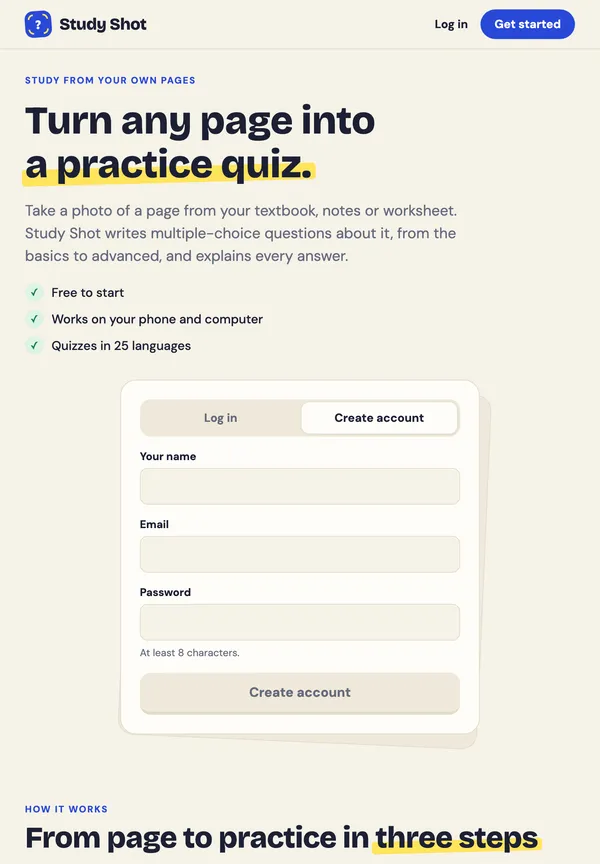
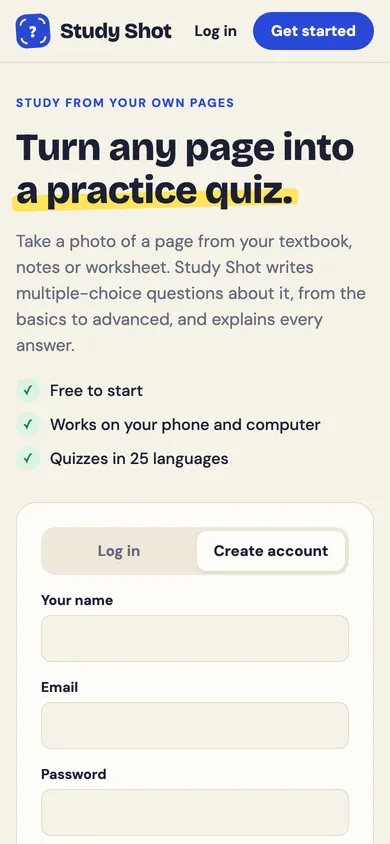
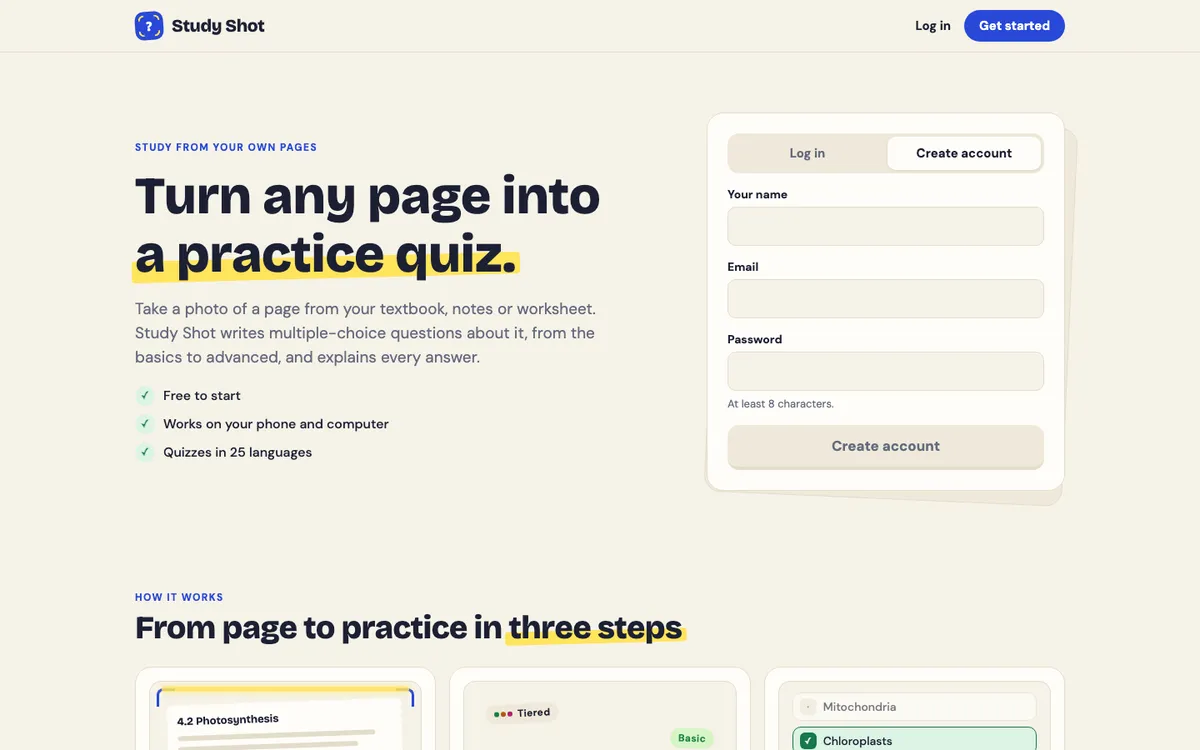
How parents can make a practice quiz from homework is a simple question with a simple answer: photograph one page, let the app write questions about it, and use the result to talk with your child. This post shows the routine with Study Shot, which turns a photo of a page into a multiple-choice practice quiz, and it is honest about what the quiz can and cannot do for you.
What a homework quiz does for a parent
You may not know the subject well. You may not have the time to write questions. Or your child says "I get it" and you cannot tell. A short quiz made from the page they were given turns that into something you can look at: here are the questions they got right, and here are the ones they missed.
Study Shot writes multiple-choice questions about the page in your photo, with four answers and one right one. Each answer is checked right away and comes with a short explanation. The quiz is saved in your library, so you can come back to it. It is a way to start a conversation, not a replacement for the teacher.
How parents can make a practice quiz from homework, step by step
- Pick one page. A worksheet, a handout or one page of the textbook all work. The guide to taking a good photo says one page per quiz works best, because two pages side by side make the print smaller.
- Photograph it flat. Lay the page on a table in good light, hold the phone straight above it and fill the frame. Keep shadows and glare off the text.
- Create an account and press Make a new quiz. Choose Take photo, or Choose photo if the picture is already on your phone. If it is blurry or cut off, press Retake photo.
- Keep the level on Tiered. It is a ladder from basic to advanced, so the quiz starts with key words and facts.
- Check the language. Questions, answers and explanations are written in the language you pick, out of 50.
- Choose how many questions. You can pick 5, 10, 15 or 20. For a first try, 5 is enough.
- Press Create questions. You will see "Reading your page" while it works. It can take up to a minute.
The full walk-through is in the guide to making your first quiz.
Photograph the page your child actually has
Study Shot only writes questions about what it can see. Anything cut off at the edge, hidden under a finger or lost in glare does not make it into the quiz. If the questions cover only part of the page, retake the photo with the whole page in the frame.
Neat handwriting works too, but the guide says printed text reads best. A crowded page of rushed notes may give vaguer questions than a clean worksheet. Zoom in on the smallest print in the photo: if you can read it, Study Shot can.
Let your child take the quiz
You have two options. You can take the quiz yourself first, which shows you how it feels and whether the questions match the page. Or you can share it, so your child takes it on their own account.
To share, press Share this quiz. On a phone the share sheet opens, so you pick a messaging app. On a computer the link is copied for you. When your child opens the link, they need a Study Shot account, which is free to make, and they press Take this quiz. A copy is added to their library, with their own answers and scores that you do not see. The link page shows the title, a short summary and the number of questions, but never the answers or your photo. Taking a shared quiz uses none of their credits.
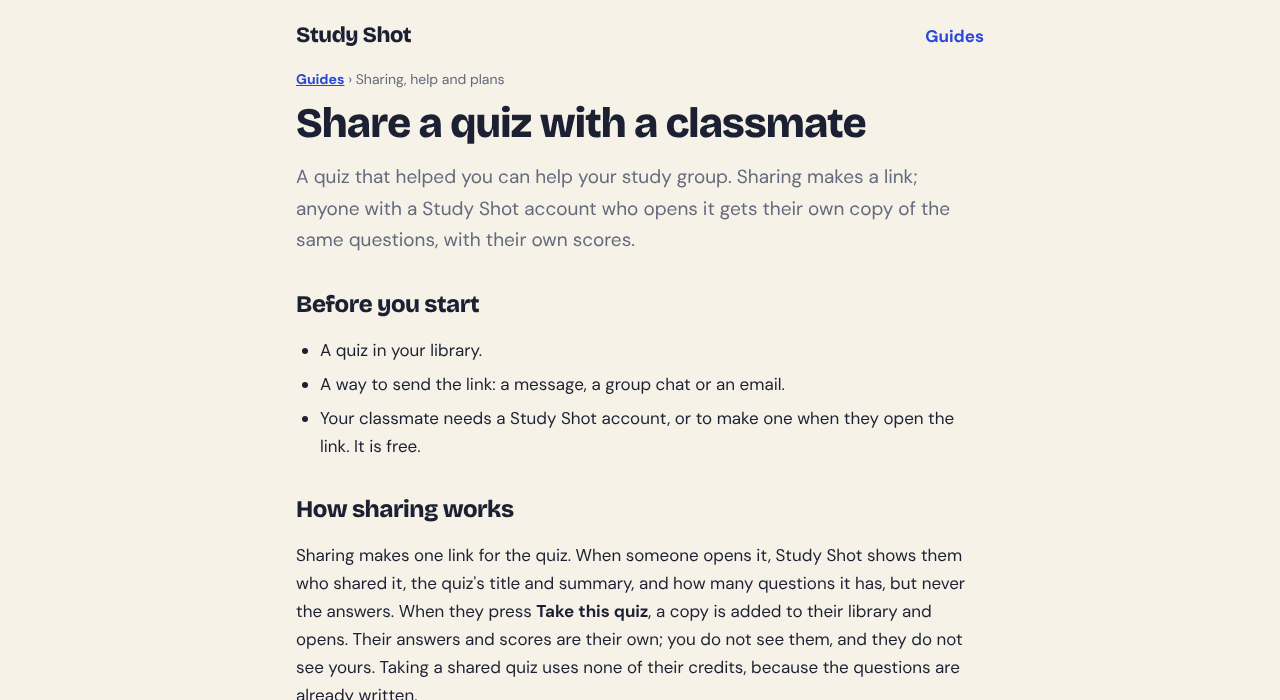
If you want to read more, the share guide covers the common problems, such as a link that will not open.
A worked example: a science worksheet on Tuesday evening
Your child has a worksheet on plant cells due Thursday. Here is a plan that takes about 20 minutes. The numbers are an example, not a real quiz.

- Photograph the worksheet and make a 10-question Tiered quiz.
- Your child answers each question, presses Check answer and reads the explanation before pressing Continue.
- The results show a score for each level. Say your child got 4 of 4 on Basic, 2 of 3 on Intermediate and 1 of 3 on Advanced, 7 of 10 in all. The grade at 70 percent and up is Good.
- Scroll to Look at these again. It lists each missed question with Your answer and the Right answer.
- Pick the missed questions and ask your child to explain, in their own words, why the right answer is right. If they cannot, point them to the worksheet or the textbook page.
- The next evening, press Retake quiz. The results guide suggests retaking a day or two later, not only straight away.
Notice what the level scores tell you. Strong Basic with a weaker Advanced score suggests your child knows the facts but is less sure how to use them. That is a useful thing to say out loud to a teacher or tutor. The grades are Mastered at 90 percent and up, Good at 70, Getting there at 50 and Needs another try below 50.
How to use the results without turning it into a test
Ask about the missed questions, not the score
A score on its own invites a number to argue about. A list of missed questions invites a question: "What made you pick that one?" The explanation under each answer gives you both something to read.
Retake, but not ten times in a row
Retaking uses no credits, so you can do it as often as you like. Retake quiz takes the same questions again, so a quick run straight after the first one tells you less than one a day or two later. Our post on retaking a quiz until you master a page shows the loop.
Keep it short
A 5-question quiz on one page is enough on a busy night. For a bigger test, study the whole chapter one page at a time, and see the 30-minute routine for the night before a test.
What to watch for
Questions are written by an AI model and can contain mistakes. Compare an answer you doubt with the worksheet or textbook, and use Report a problem with this question under the question, which gives four reasons to pick from. Read more in our post on how accurate AI-written practice questions are.
Study Shot also has limits worth knowing. It is multiple choice only, there is no PDF upload, and a photo it cannot write questions for is refused with a message asking you to try a different page. And a quiz shows what your child recalls on one page; it does not replace the teacher's feedback.
Frequently asked questions
Does my child need an account to take the quiz?
Yes, if you share it. The person who opens the link needs a Study Shot account, which is free to make. Every screen of the app needs an account.
Can I see my child's answers?
Not on a shared quiz. Their answers and scores are their own copy. You can see your own results on the quiz you made.
Does making a quiz cost credits?
Writing a quiz uses credits from a monthly allowance, and taking or retaking one uses none. Study Shot is free to start.
What if a question looks wrong?
Check it against the page, then use Report a problem with this question and pick a reason. Questions can contain mistakes, so the explanation is there to help you check.
Get started
Try it on tonight's homework: one page, 5 questions, one conversation about the ones that were missed.
Try Study Shot: it is free to start. Photograph the page you are studying tonight and get practice questions on it, from basic to advanced, with every answer explained.