How to Fit a Practice Quiz Into a 20-Minute Study Break
Plan one page, 10 questions and a quick review: a minute-by-minute way to fit a practice quiz into a 20-minute study break using a photo of your notes.
You sit down for a short break between tasks and wonder if a quiz is worth it. It is, if you plan it. This guide shows how to fit a practice quiz into a 20-minute study break, from the photo to the last missed question, without losing time to setup.
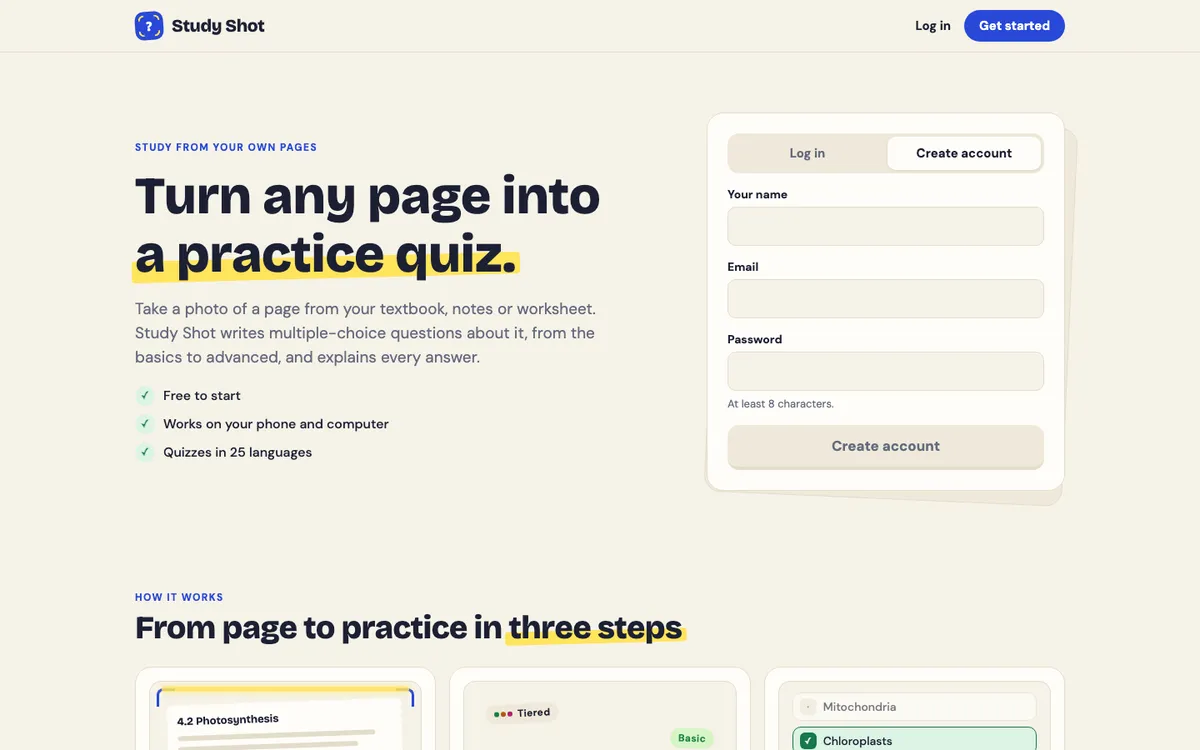
The tool in this example is Study Shot, which turns a photo of a page into a multiple-choice quiz in your browser. The plan works with any page you can photograph.
Why a 20-minute break is enough for a practice quiz
A practice quiz asks you to answer from memory instead of reading the page. It does not need a long session. One page, a handful of questions and a quick look at your mistakes can fit in a short window.
The trick is to keep the scope small. Pick one page, not a whole chapter. A single page gives the quiz a clear target, and you finish with a clear idea of what you know and what you do not.
What you need before the timer starts
Get these ready first so the 20 minutes go to studying:
- One page. A textbook page, a worksheet, your own notes or a whiteboard all work. Choose the page you are least sure about.
- Your phone or computer. Study Shot runs in the web browser on both. You need an account, since every screen asks you to log in.
- Good light. The app asks you to hold the page flat and fill the frame. The guide to taking a good photo of a page has more detail.
- Credits. Writing a quiz uses credits from your monthly allowance. Taking and retaking a quiz do not. A 20-question quiz uses about four times what a 5-question quiz does, so a short quiz is also the cheaper one.
How to fit a practice quiz into a 20-minute study break: the minute-by-minute plan
This is a suggested schedule, not a rule. Adjust it to how fast you read and answer.
- Minutes 0 to 2: photograph the page. Open Study Shot, choose Make a new quiz, then Take photo or Choose photo. If you already have a photo of the page, pick that.
- Minutes 2 to 4: set the quiz and wait. Choose the number of questions and the level, then press Create questions. The app tells you it can take up to a minute. Use that time to close other tabs and put your notes away.
- Minutes 4 to 14: answer the questions. Pick an option, press Check answer, read the explanation, then press Continue. Do not peek at your notes.
- Minutes 14 to 19: review what you missed. The results screen lists the missed questions under Look at these again, with Your answer and Right answer side by side.
- Minute 19 to 20: decide what is next. Write one line on what to revisit. Then stop.

Notice that the plan ends with a decision, not another round. Short sessions work best when they finish cleanly.
How to make a quick quiz from a photo of your notes
Here is the setup for a break of this size. After you add the photo, you pick three things.
Number of questions
You can choose 5, 10, 15 or 20 questions. The default is 10. For a 20-minute break, 10 is a good starting point, and 5 is better if the page is dense or you want time to retake.
Level
There are four choices:
- Tiered is the default. It climbs from basic to advanced and splits the questions as evenly as it can across the three levels.
- Basic covers key terms, facts and definitions.
- Intermediate asks you to explain, compare and connect ideas.
- Advanced asks you to apply and predict in new situations.
If you are meeting the material for the first time, stay on Tiered or Basic. If the test is close and you know the facts, try Advanced. The guide to levels and question counts goes through the choices.
Language
The questions, answers and explanations can be written in any of 50 languages. The app's own screens stay in English. If you study in a second language, you can pick whichever one helps you most.
Then press Create questions. If you want the same routine from your phone, there is a separate walkthrough on making a practice quiz from a photo on your phone. Notes on a board work too, as covered in quizzing yourself from a photo of a whiteboard.
How many questions fit in 20 minutes
Your own pace decides this, so test it once. On your first break, take a 10-question quiz and note how long it takes you. Reading a question, choosing an answer and reading the explanation takes longer when the material is new.
Here is a rough way to think about it:
- 5 questions: leaves plenty of time for review, and room to retake the whole quiz once.
- 10 questions: fits most breaks, with a few minutes left to review your misses.
- 15 or 20 questions: works only if you answer quickly or have a longer break. Otherwise you will rush the review, and the review is what tells you what to do next.
Fewer questions on a single page is better than many questions with no time to go back over them.
What to do with the questions you miss
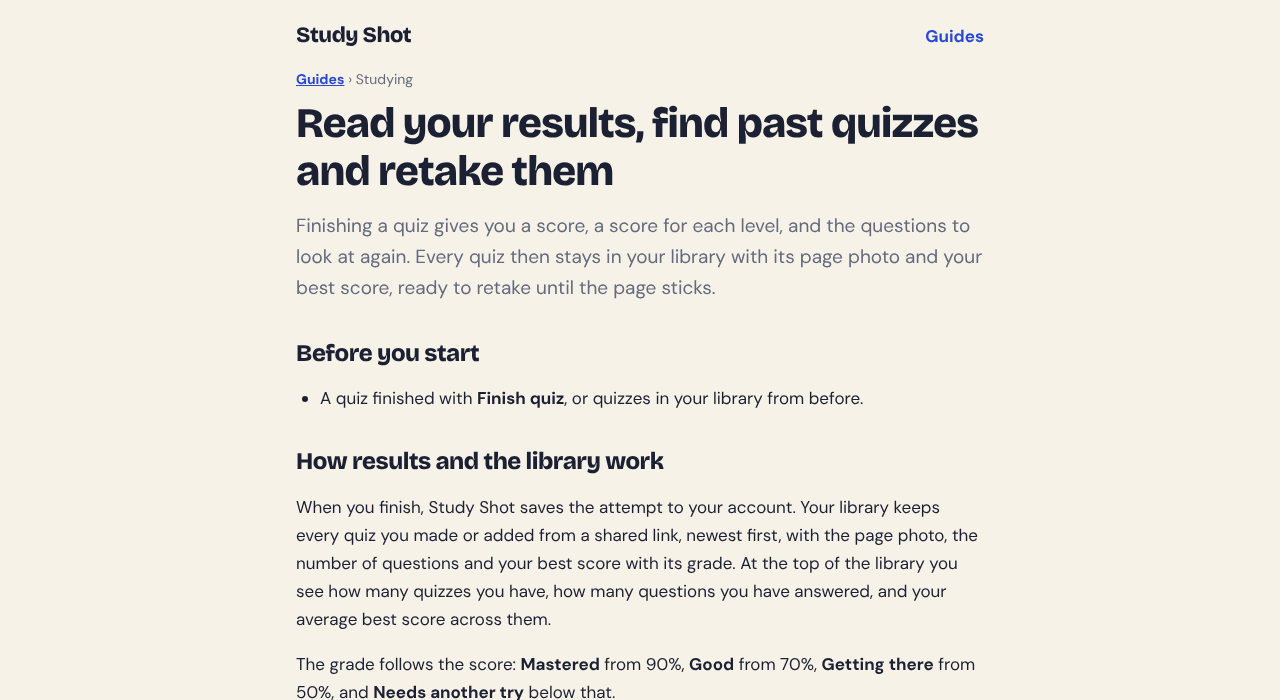
After the last question, the app shows Quiz complete with a percentage and a grade. The grades are Mastered (90% and up), Good (70% and up), Getting there (50% and up) and Needs another try (below 50%). You also get a score for each level, so you can see whether the Basic questions or the Advanced ones caused the trouble.
Now go to Look at these again. For each missed question:
- Read Your answer and the Right answer.
- Ask yourself why the right answer is right. If you cannot say, reread that part of the page.
- Write one short note, in your own words, on the idea you missed.
The explanation after each answer helps you check your thinking. It is written by an AI model, though, and AI models can make mistakes. If a question or explanation looks wrong, use Report a problem with this question, and check the page itself. The guide to answering and learning from explanations covers this.
Your quiz is saved in your library with the photo and your best score, so you can come back later. Retaking is free in credits. How often to do it is a fair question, and how many times you should retake a practice quiz gives a clear answer. For a longer plan across several sittings, see how to retake a quiz until you master a page.
Mistakes that eat up your study break
- Choosing too much material. A whole chapter does not fit in one photo. Use one page.
- Taking a blurry or tilted photo. If the app cannot write questions from it, you see "We couldn't write questions for this photo. Try a different page." and lose time retaking it.
- Asking for 20 questions by default. It takes longer to answer and uses more credits. Start with 10.
- Checking your notes mid-quiz. You lose the point of the exercise. Use Show page only when you have finished thinking, or save it for review.
- Skipping the review. The score is only a number. The missed questions tell you what to do next.
- Starting a second quiz at minute 17. End on time. A short, finished session beats a rushed one.
If a test is close, the same ideas scale up in a 30-minute practice routine for the night before a test.
Frequently asked questions
Is 20 minutes long enough to learn anything from a practice quiz?
Yes, if you keep the scope to one page. In 20 minutes you can make the quiz, answer it, read each explanation and look over the questions you missed.
Should I quiz myself before or after reading my notes?
Both can work. Quizzing after you have read the page shows what stuck, and quizzing before shows what you do not know yet. For a short break, quiz on a page you have already seen once.
How many practice questions should I do in one short session?
Start with 10, the default in Study Shot. Drop to 5 if the page is dense or you want time to retake, and only go higher if you still have time to review your misses.
Can I split a quiz across two shorter breaks?
Study Shot saves each finished quiz in your library, so you can retake it later. For a long quiz, it is easier to make two short quizzes from two pages than to split one.
Is a quiz break better than rereading?
A quiz shows you which questions you got wrong, and the results screen lists them for you. That makes it easy to see what to revisit. This post does not claim a quiz beats rereading; it is a different way to check what you know.
Get started
Try Study Shot: it is free to start. Photograph the page you are studying tonight and get practice questions on it, from basic to advanced, with every answer explained. For a first run, the guide to making your first quiz walks through each step.